

Protect Your Phone and Review These App Permissions NOW!
“Allow access to your location?”
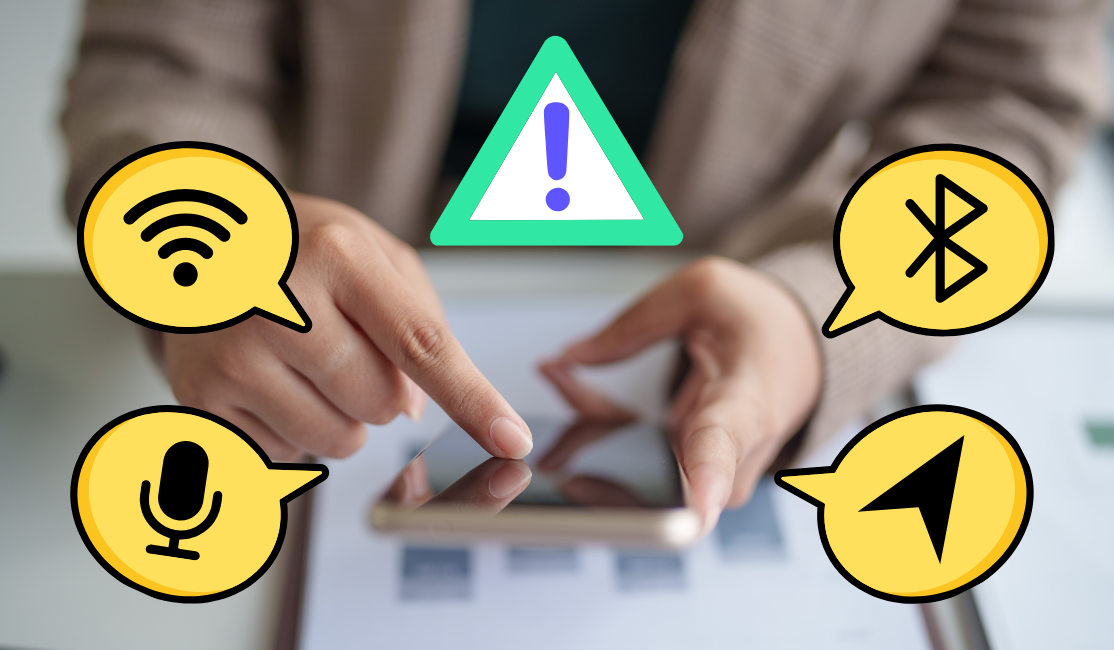
Most of us tap Allow without even thinking about it. We’re busy, we want the app to work, and those popups are tiny annoyances standing in the way of what we want. That’s exactly why companies design them that way, they know most people won’t stop to question whether a food delivery app should track them 24/7. But make no mistake…when you tap “allow”, that’s probably what you’re allowing.
The good news? You don’t need to be a cybersecurity expert to fix this. We have created this guide to walk you through a quick digital declutter step by step.
Why You Need To Audit Your Permissions NOW (and Always)
App permissions might seem harmless, but they can expose far more about you than most people realize. Since 2017, over half of all web traffic has been through people’s mobile devices. Think about all the things you can do from your smartphone. Researchers identified 32 different possible data segments that your phone can track, from contacts to location to device ID’s to browsing history and even data on your physical health. The worst offending apps kept track of all of them, and the worst offending app categories tracked an average of 20. That’s an average.
Another major issue is third-party SDKs, third-party software components hidden in apps for analytics, advertising, or tracking. These SDKs may collect data beyond what is outlined in your app’s privacy policy, creating compliance risks and eroding user trust. In other words, even if you trust the app itself, you may not know who else is receiving your information.
This may be upsetting, but it’s what you agreed to! What’s even more daunting is that the risks go far beyond stalking you to target you with annoying ads. Imagine a malicious actor exploiting an app with unrestricted microphone access to eavesdrop on conversations or using a camera without consent to spy on users. We already know that popular apps present all sorts of security vulnerabilities. This is why permission audits matter. You’re not being paranoid.
Over-permissioned apps can contribute to: * Data leaks and breaches * Identity theft * Financial scams * Manipulative advertising and profiling * Exposure of sensitive messages and files
The Data They Want (and Why They Want It)
Location: Where You Live and Where You Go
Location data is one of the most valuable pieces of information companies can collect because it reveals your routines.
- Your address
- Your job and/or school
- What places you visit
- Your habits and routine(s)
- What businesses you frequent
- Who you spend time with
- What events or protests you attend
It’s difficult to overstate how much information someone can infer from your location history, which is precisely why no one has any business knowing where you are at all times. It’s not just social media and navigation apps to watch out for here, delivery apps are also some of the worst offenders. Uber Eats can also gain full-time access to your location data while you’re not using the app.
Camera and Photos: What You See and Capture
Many apps request full photo library access when they only need a single uploaded image. Allowing full photo library access means the app can view, copy, and analyze every single photo and video on your device. This includes:
- Years of personal media
- Screenshots
- Downloaded memes
- Your face
- Social circle (and their faces)
- Items tucked away in Hidden or Recently Deleted folders
- Metadata (location/time)
- Text inside your pictures (ID, credit card numbers, passwords, receipts, etc.)
Modern apps can even scan your photos using facial recognition to group faces, identify individuals, and map out your friends and family. Thankfully, modern phones now allow you to share only selected photos instead of your entire camera roll. No app needs to see years of personal photo albums, IDs, and memories just because you uploaded one picture.
Contacts: Who You Know
Apps often claim contact access is needed to “find friends”. Why is that? Because contact lists are a goldmine for growth marketing and data profiling. Your contacts reveal this information about every person in your phone:
- Phone Numbers / Email Addresses
- Relationships / Labels
- Professional Networks
- Workplaces
- Social connections
- Birthdays
- Physical Addresses
Before granting access, ask yourself: “Would this app still work if I denied this permission?” Generally, the answer is yes.
Bluetooth: Your Devices and Network
Bluetooth access can reveal all of the other devices and accessories that someone has in their house. Here’s a breakdown of what can be seen:
- Your phone’s accessories (smart watch, wireless earbuds)
- Nearby devices (smart home tech)
- Data from devices (like health trackers)
- Exact physical location (with device pings)
- Bluetooth connection timing (which provides clues about your activity)
- Device names and hardware MAC addresses
Bluetooth permissions can also be used for proximity tracking and location-based monitoring. Some apps even utilize Bluetooth to track your foot traffic in public spaces or malls even when the app is minimized. If an app doesn’t clearly need it, turn it off.
Notifications: Your Apps and Activity
Notifications seem harmless because they don’t feel like a privacy issue. But they can reveal sensitive information directly on your lock screen, including:
- Your apps
- Who is contacting you and when
- Verification codes
- Banking alerts
- Message previews
Notifications are also designed to pull you back into apps repeatedly. Every buzz and popup competes for your attention. Apps with this permission can clear notifications and perform actions (ex. reply) directly from the notification. They can also give away otherwise protected messages and information. 404 Media has reported that the FBI was able to read a suspect's Signal messages, which should not normally be possible due to end-to-end encryption. They were able to extract them from an iPhone's push notification database, even though the user didn’t have the app downloaded on their phone.
Microphone: What You Say
Some apps genuinely need microphone access, like voice messaging and video calling apps. But many apps ask for microphone access when they have no reasonable need for it. When an app has active or background microphone access, it can record, listen to, and process any audio in its immediate environment. This means the app can collect:
- Raw ambient audio
- Detected spoken keywords
- Detected media (music, TV shows)
- Data about your environment
- Voice prints to create biometric profiles
Almost no app needs microphone access all the time. If a permission request feels random, trust your instincts and deny it until proven necessary.
Storage and Files: Your Files & Photos
Storage permissions can expose:
- Documents
- Downloads
- Photos/Videos
- Audio/Music
- Temporary files, logs, or backups created by other apps
- Other sensitive files
If an app has this permission, it can view, modify, or delete files stored on your device's internal or external storage. Very few apps need broad file access. Many apps request it simply because more data means more profiling opportunities.
Side Effects: How This Affects Your Device
There are even more data points that apps will try to access. For example, researchers discovered that over 30 apps were accessing users’ clipboard data without any clear reason. Clipboard data can include passwords, crypto wallet addresses, personal messages, copied banking information, and account-reset links. But if apps are tracking or actively gathering data at all times, it can lead to:
- Rapid battery drain
- Phone overheating
- Unusually high data usage
On iPhone, you can review app behavior using the App Privacy Report. Android offers similar privacy dashboards depending on your device version.
The 10-Minute Permission Audit
Now for the important part. This doesn’t need to become a massive project. You can do a meaningful privacy cleanup in about 10 minutes or less.
Step 0: Clear Any App You Don’t Use
Before adjusting permissions, it’s safest to delete apps you haven’t touched in months. Unused apps are risky because they may still have active permissions, continue collecting data, and/or no longer receive security updates. Plus, it makes the subsequent steps much easier, since it’s one less app you need to audit. If you hesitate to justify why you still need it, you probably don’t. And worst case scenario: you can always reinstall it later.
Step 1: Open Your Settings
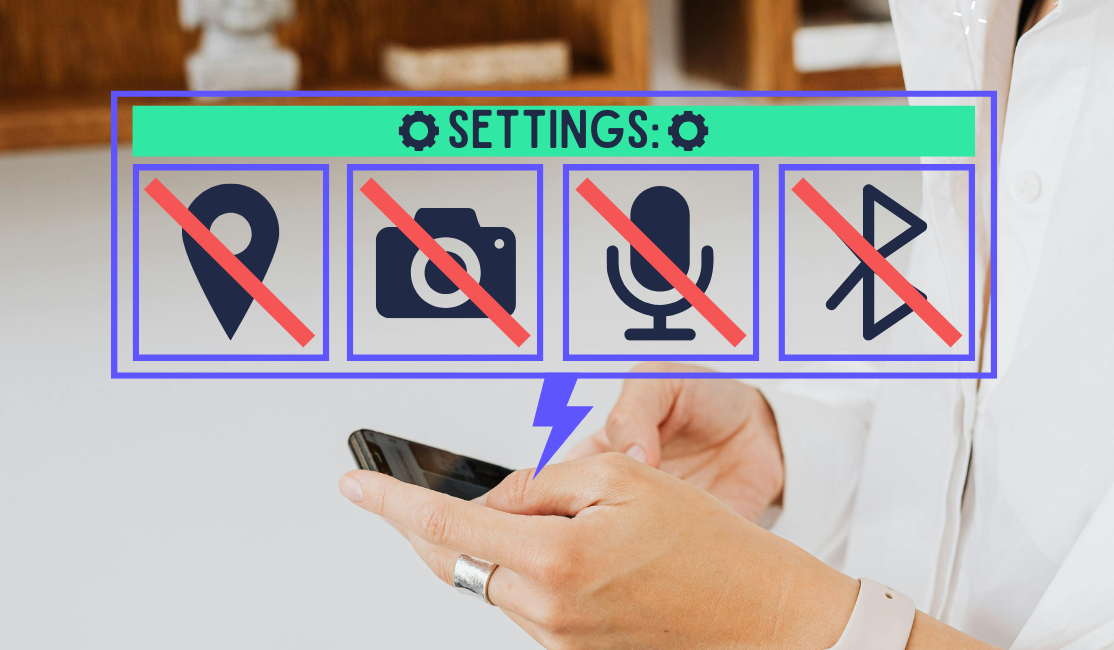
On iPhone, go to: Settings → Privacy & Security
From there, you can review permissions individually:
- Location Services
- Microphone
- Photos
- Camera
- Contacts
- Bluetooth
- Files and Folders
Each section shows every app with access so you can quickly toggle permissions on or off.
On Android, go to: Settings → Apps → Permissions
Depending on your Android version, you may also see a dedicated Privacy Dashboard. From there, you can review which apps have access to:
- Location
- Camera
- Calendar
- Microphone
- Files
- Contacts
And revoke anything unnecessary.
Step 2: Review the Big Permissions First
Don’t go app-by-app initially. Start with the highest-risk categories:
- Location
- Microphone
- Camera
- Storage/Files
This makes the process faster and less overwhelming.
Step 3: Ask One Simple Question
“Does this app actually need this permission?” You might have to take a second to really think about it, but it’s generally common sense in most cases. Here are some examples:
- Weather app → probably needs location, but only while using the app
- Social media app → may need camera access when taking photos
- Random mobile game → probably doesn’t need microphone or precise location but may need storage to save progress
- Food delivery app → might need location during delivery tracking, not all day long
If the permission feels excessive, then it is. Restrict accordingly.
Step 4: Adjust Permissions Manually
Most phones give you several permission options:
- Allow all the time
- Allow only while using the app
- Ask every time
- Deny
As a general rule, you should almost never choose “allow all the time”. This will block silent background tracking, and also force apps to be transparent whenever they want access again. No more gathering information on you without you knowing.
Step 5: Repeat Quickly and Don’t Overthink It
This entire process shouldn’t take longer than 10 minutes, depending on how many apps you have. If you find yourself stuck on an app, don’t overthink it. Always default to stricter permissions. You can always change permissions back later if something stops working. The goal isn’t perfection. The goal is awareness and control.
Good Habits To Maintain Your Privacy
A one-time cleanup is great, but privacy works best as an ongoing habit. Here are a few simple ways to stay safer long term.
- Set a reminder every three months to quickly review your permissions again. Apps update constantly, and permissions can change over time. Pay Attention during installation. Don’t auto-approve everything.
- Use “Ask Every Time” generously. It gives you flexibility and keeps you aware of what apps collect and when.
- Keep your operating system (OS) updated, because newer versions of iOS and Android aren’t just about new features. They actually include better privacy tools and stronger security protections.
- Be skeptical of “free” apps. Ask yourself how the company makes money. If you don’t pay for the product, you ARE the product. That doesn’t mean that every free app is malicious, but it does mean you should stay cautious.
- Choose privacy-focused alternatives. One of the easiest ways to improve your privacy is to choose services built around protecting users instead of exploiting them.
- Use aliases to sign up for accounts. After all, most apps require you to “sign-in” using an email address. This creates another potential privacy threat, but not if you use aliases instead of your real email address…and StartMail lets you create as many as you need
Your Habits Are Your Best Protection
The most important step is: do the audit now. Not later. Not someday when you “have time.” Stop reading about it and get it out of the way. The sooner you do it the safer you are. Ten minutes today can significantly reduce how much data unnecessary access apps have about your life.
App permissions are intentionally designed to feel routine and harmless. Convenience is powerful, and companies know most people won’t question it. But convenience always has a cost. Maintaining privacy has never required perfection, all you need is awareness, a slight shift in your habits, and a willingness to occasionally ask: “Does this app really need this?”
That single question puts you back in control. And every day that you don’t take back control is another day that your private data could fall into the wrong hands. So do the audit now, not later. Not someday when you “have time.” Stop reading about it and get it out of the way. Future you will be grateful that you did it, we promise!
More from the blog
Nothing To Hide, Nothing To Fear: Dissecting Big Tech's Favorite Myth
Continue reading
Stop Giving Out Your Real Email Address!
Continue reading
6 Ways Companies Violate Your Privacy – Stay Protected
Continue reading