
Scan to download
Point your phone camera at the code.
Sign in with your existing StartMail address and password.
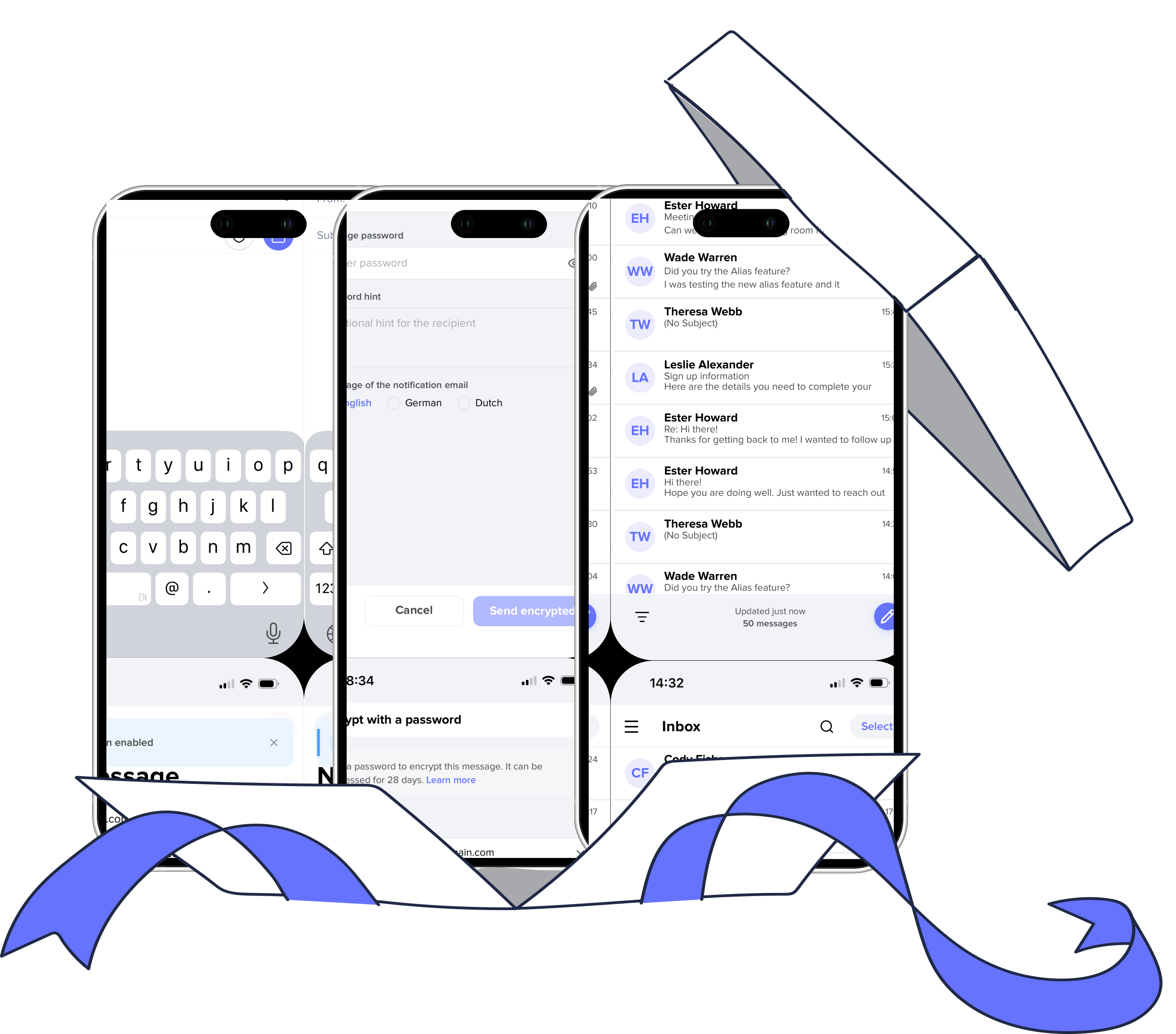
 Unlimited aliases
 No ads, no tracking
 Send encrypted emails to anyone Protected by the world’s strictest privacy regulations
Point your phone camera at the code.
Coming soon

Robert E.G. Beens
Founder and CEO
Use StartMail with your favorite email client like Apple Mail, Outlook or Thunderbird on desktop and mobile, or try our fast and intuitive webmail. Enjoy the freedom to choose what suits you best, wherever you are. Read our beginner's guide to IMAP
An alias is an extra email address that you can use instead of your main address. It helps you to reduce spam, protect you from data breaches or phishing attacks, and simply remain private. Delete or disable aliases at any time and immediately stop receiving any email sent to the alias, and the sender will receive a bounce message. Learn more
Yes, StartMail is accessible through a web browser. We specifically made it to work as if it is an app on your phone, and you can access all StartMail privacy features like encryption and aliases from here. For easy email access from a mobile phone or tablet, we recommend adding our website to the home screen of your device.
Alternatively, you can use a third-party email client such as K-9 Mail, Outlook, or Apple Mail to access your StartMail email on your phone. You will need to configure the email client to use the correct settings for StartMail. You can find instructions on how to configure your email client on our support page.
We support 2FA through the TOTP protocol, which is supported by most authenticator apps. Learn more
Yes, you can use StartMail with Thunderbird, Outlook, Apple Mail etc. Learn more
You can train your own, personal and private spam filter. Mark your spam emails and the filter will redirect new spam out of your inbox. Learn more